Problem : I do not see the widget when the “Checkout” button is clicked
If your widget isn’t appearing on the product page, it could be due to several reasons. Please check the following:
-
Confirm that the offer products are active and currently in stock.
-
Make sure the BoostUp app embed is turned on in your theme. You can enable this through your theme customizer in the theme editor.

3. The widget will not appear if the cart only contains the offer products and does not include the trigger product.
4. In some cases, the app may have trouble detecting the Checkout button. This issue can occur due to a conflict with your theme or another third-party app.
If this happens, you can resolve it by manually specifying the Checkout button’s HTML/CSS selector in the app’s admin panel.
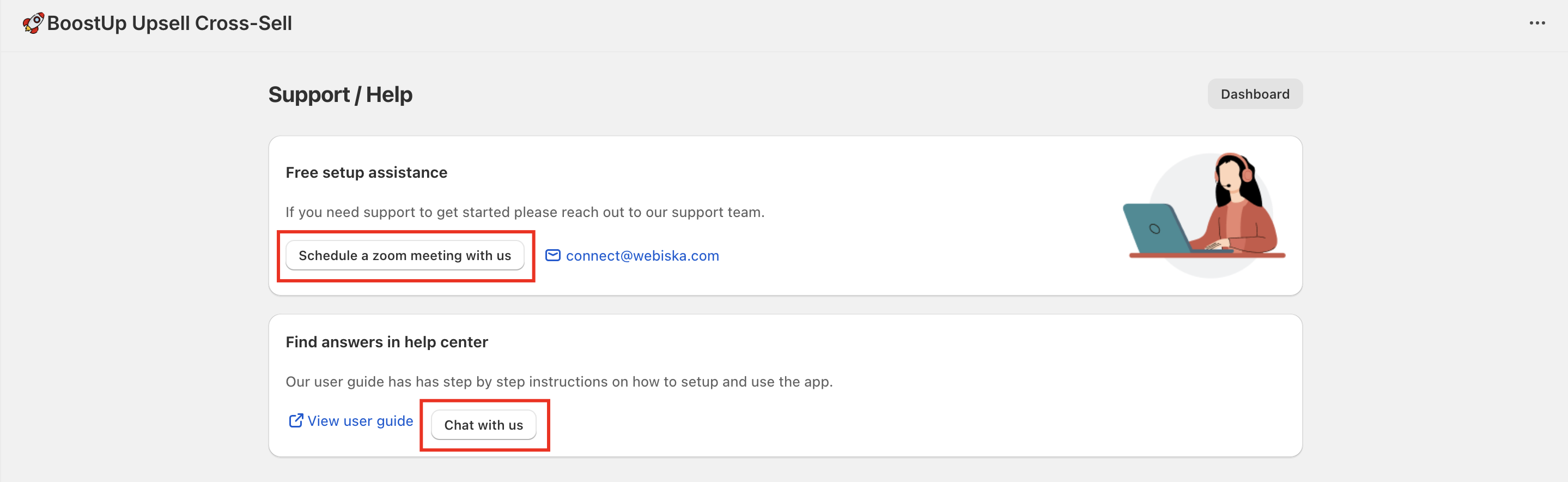
Locating the correct HTML selector and entering it in the admin can be a bit technical. If you need help, feel free to reach out to our support team — we offer free setup assistance.
However, if you’d prefer to handle it on your own, simply follow the steps below.
-
Open your cart page and right-click anywhere on it.
-
Select Inspect from the options that appear.
-
When the inspection window opens, click on the element selector (pointer) icon, then click on the Checkout button.
-
A section of code will be highlighted in the console.
-
Check if the listener attribute is visible in that highlighted section.
-
If the listener is not found, copy the class name from the highlighted code.
-
Go to your app’s admin panel and click on Customize.
-
Under Common Settings and Customizations, select Edit Settings.
-
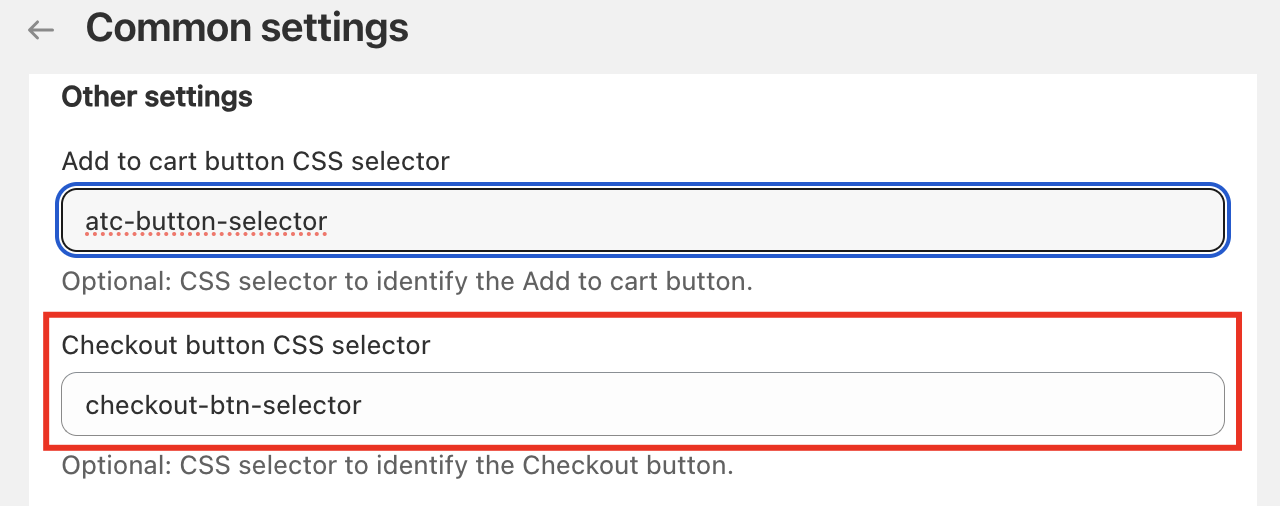
Paste the copied class name into the Checkout button selector field under the Other Settings section.
-
Save your changes and refresh your store page.
Your widget should now appear when customers click the checkout button.
If you still experience any issues, please contact our support team for free setup assistance.
If you sill have issues, contact our customer support team for free setup assistance.